%20(1)%20(1)%20(1).png?width=100&height=79&name=final_masa_logoblack-removebg-preview%20(1)%20(1)%20(1)%20(1).png)
How to set up and start using Round Robin Lead Assignment
Account Set Up
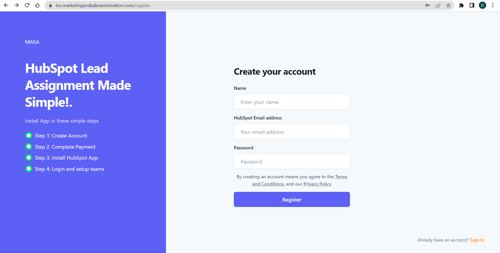
- Click here to create your account
- Choose an email address that is associated with the HubSpot account you plan to connect with Round Robin Lead Assignment
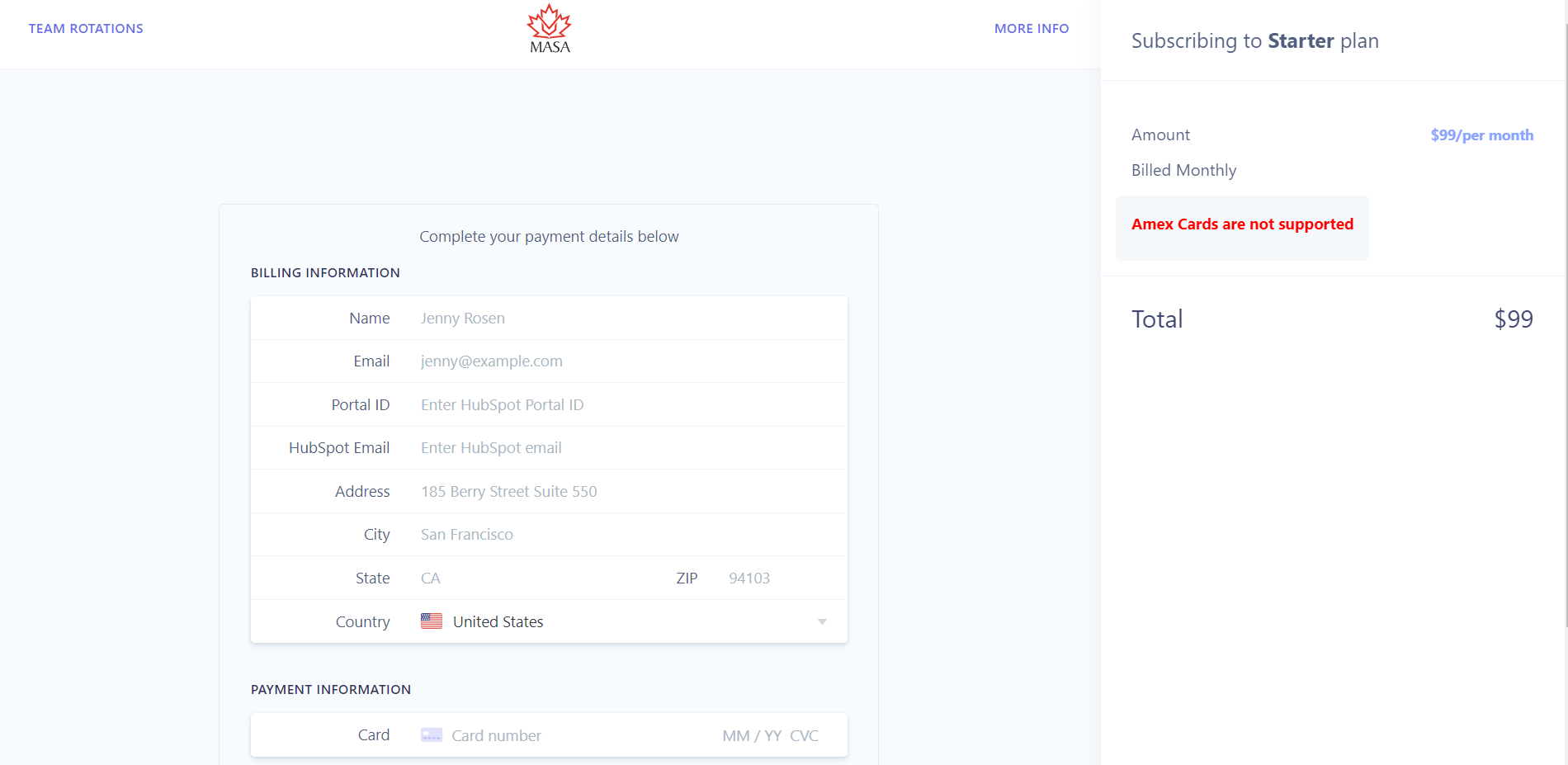
- Once you register, you will be redirected to the billing page
Connect Round Robin Lead Assignment to HubSpot
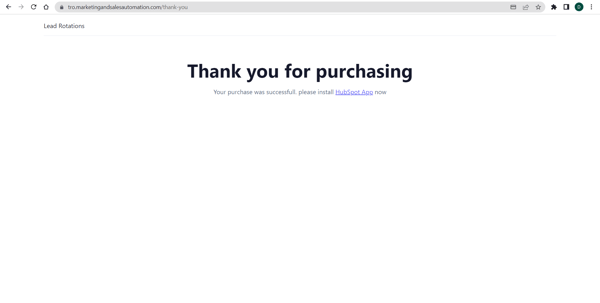
- As the Billing details are updated you will be redirected to a page to install the app into hubspot
Teams
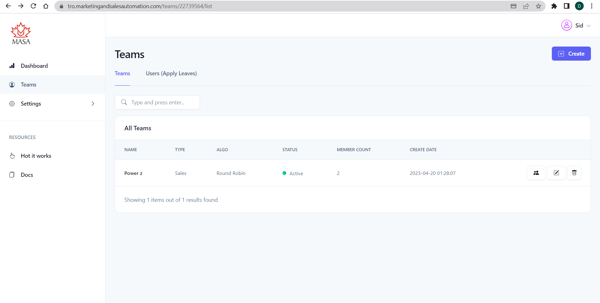
- On the team dashboard, you will see all active teams
- Create a team by clicking on the 'create' button on the top right corner
Create Team
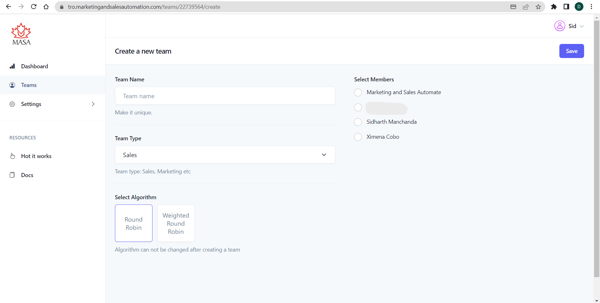
After clicking on 'create', you will need to do the below actions:- Name the team under 'Team Name'
- Select the team members from the list at the left
- Choose the type of the team between 'Round Robin' or 'Weighted Round Robin'
Time Off
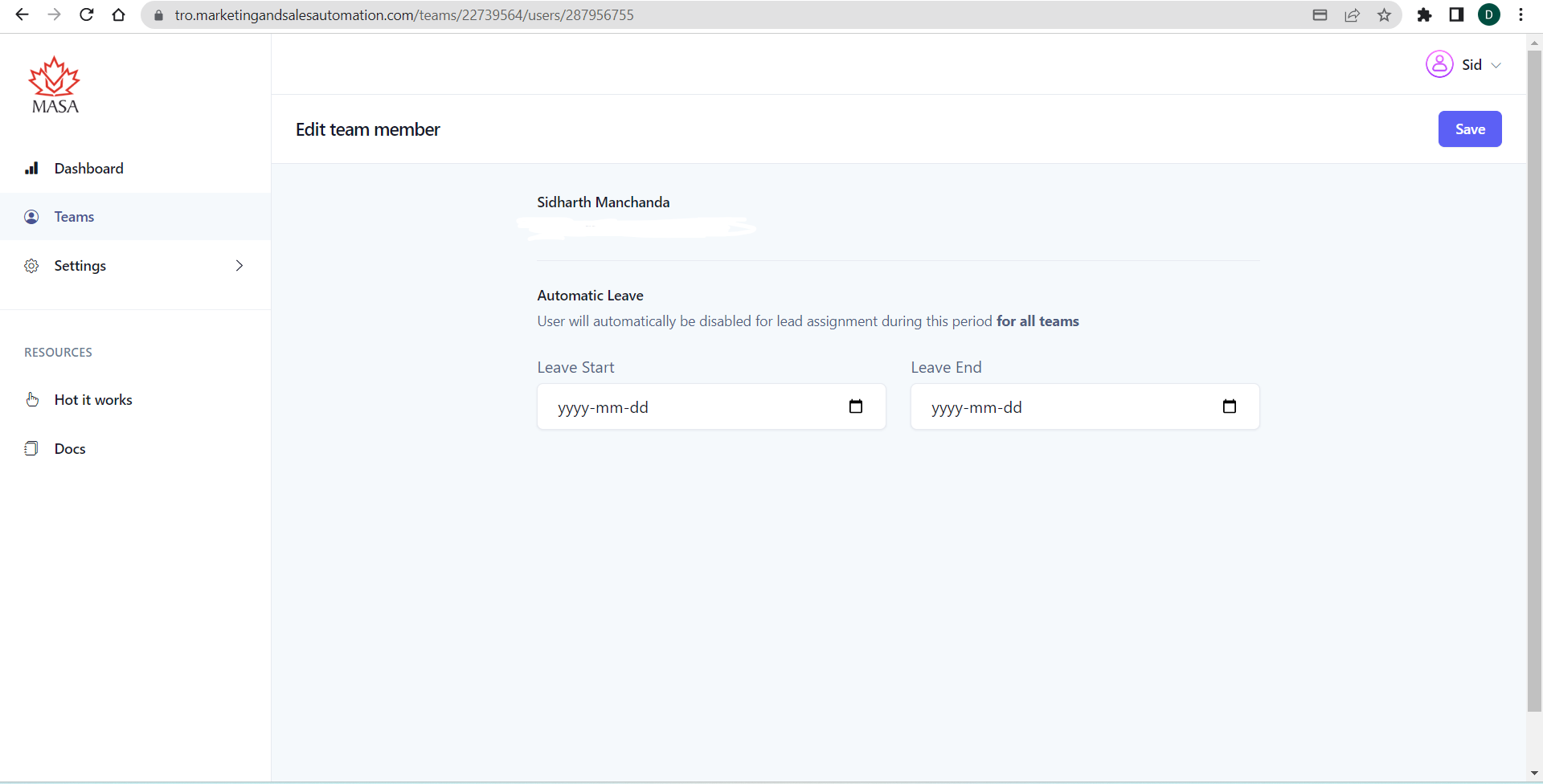
Time off allows you to pause an agent from the object assignment over a set period of days without changing their active status. This is useful when an agent is on a vacation or taking time off for some reason.
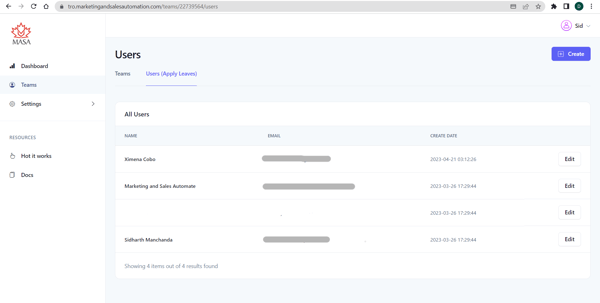
- Click on Users (Apply Leaves) in the top center
- Click on 'Edit' in front of the rep you wish to pause from rotation
- Select the date that you wish to pause the agent from being assigned objects from Round Robin Lead Assignment
- Select the date that you wish the time off period to end, making the agent available to receive objects again.
Adding Round Robin Lead Assignment to a Workflow in HubSpot
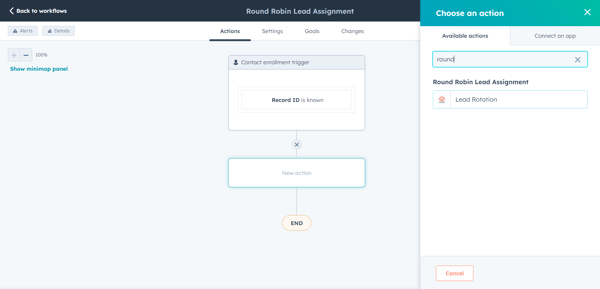
RRLA will show up as a workflow action in HubSpot
- Navigate to Workflows in HubSpot
- Create a new workflow or select an existing workflow
- Click on the "+" icon to add a new action at the desired location within the workflow
- Scroll down to the action labeled "Round Robin Lead Assignment" or search for "Round Robin Lead Assignment" in the search bar in the "Choose an Action" window
- Select a team
- Click the Save button